 MISHA
MISHAiPhone
Build and run the day
The workbench. Photograph the real things, shape them into routines and tasks, and run the day card by card. Everything else grows from here.
Visual routines from the real things in your home, for anyone who feels steadier seeing the day laid out.
Try it: tap the ring when a step is done.
Knowing what comes next helps many kids feel safe enough to begin.
The actual toothbrush, the shoes by the door, the breakfast you cooked. One photo each.
It cuts the object out, names it, and suggests where it fits in the day. All on the device.
Full-screen cards you show one at a time. Swipe when they're ready. They set the pace.
The same quiet notebook, sized to the moment.
Build and run the day
The workbench. Photograph the real things, shape them into routines and tasks, and run the day card by card. Everything else grows from here.
Decorate and remember
Deliberately not for making tasks. The big screen is the evening table: decorate finished days, look back on how they went, and keep a journal that gathers your calendar, reminders and MISHA tasks on one spread.
Quick ticks, mid-stride
The day on the wrist: glance at the current step, mark it done, keep moving. The phone stays in the pocket.
The main routine work lives on the phone, in one quiet app.
The phone cuts the object out, names it, and files it into the right part of the day.
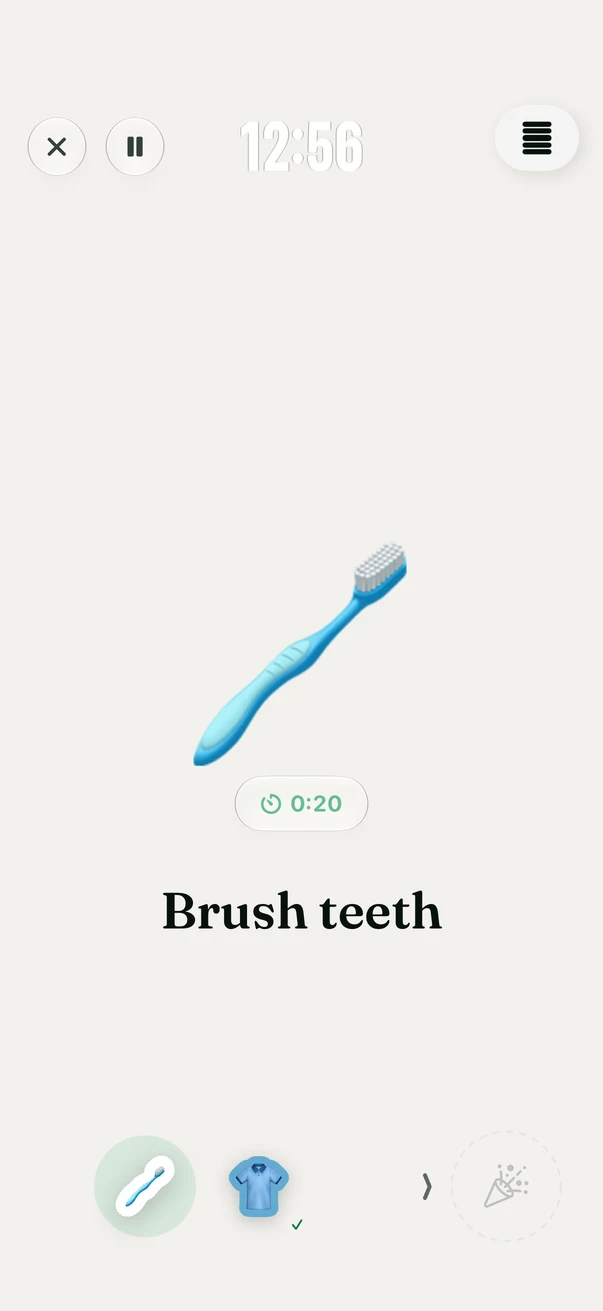
Full-screen and calm, with a progress bar they can feel.
A hard day dents the week instead of erasing it.
The child picks what's waiting at the finish line and decorates it.
Photo cutout, naming and schedule suggestions run on the device. Sync uses your private iCloud when you turn it on. There are no ads, no Misha account, and no content analytics, only fixed usage counts that never include family content.
Say the evening in your own words and cards appear, ready to edit.
Every completed routine turns into a card the two of you decorate and keep.
Gentle by default, insistent when a step must happen on time.
AirDrop a routine to the other parent or to school. Structure only, photos stay home.
Print the day as fridge-door cards, or export a schedule the school can read.
Keep the current routine close on the Lock Screen, a wrist, or a sentence.
The whole app is built on PaperKit, Apple's own paper-and-ink engine, so every surface takes ink.
Draw on a card, tape a sticker to it, switch the paper from dots to grid, hand the pens over. Evenings get a page too: a day journal with mood stamps and a line about how it went, while finished routines settle into a month wall of keepsakes you decorated together. Twenty-one themes and seven type moods later, no two families' MISHA look alike.
ADHD tends to run in families. Often the person building the kid's routine needs the same scaffolding for their own day, so profiles are built in: one for them, one for you.
Your side can drop the stickers. The list view reads like a planner, twenty-one muted themes keep it quiet, and the same widgets, Watch app and reminders carry your day.
The long list, for the parents who read spec sheets.
A dot means to do, a check means done. The score bends on hard days instead of breaking, and nothing on the screen ever rushes a child. You set the order. They set the pace.
MISHA runs its intelligence on the phone, so it asks for recent hardware: iPhone 15 Pro or newer, iOS 27, Apple Intelligence turned on. Install takes about two minutes.
Join the betaFree during the beta, and free to run every day after launch. Extras arrive later as MISHA Plus, and the part your child sees is never behind a paywall. Setup help lives on the support page.